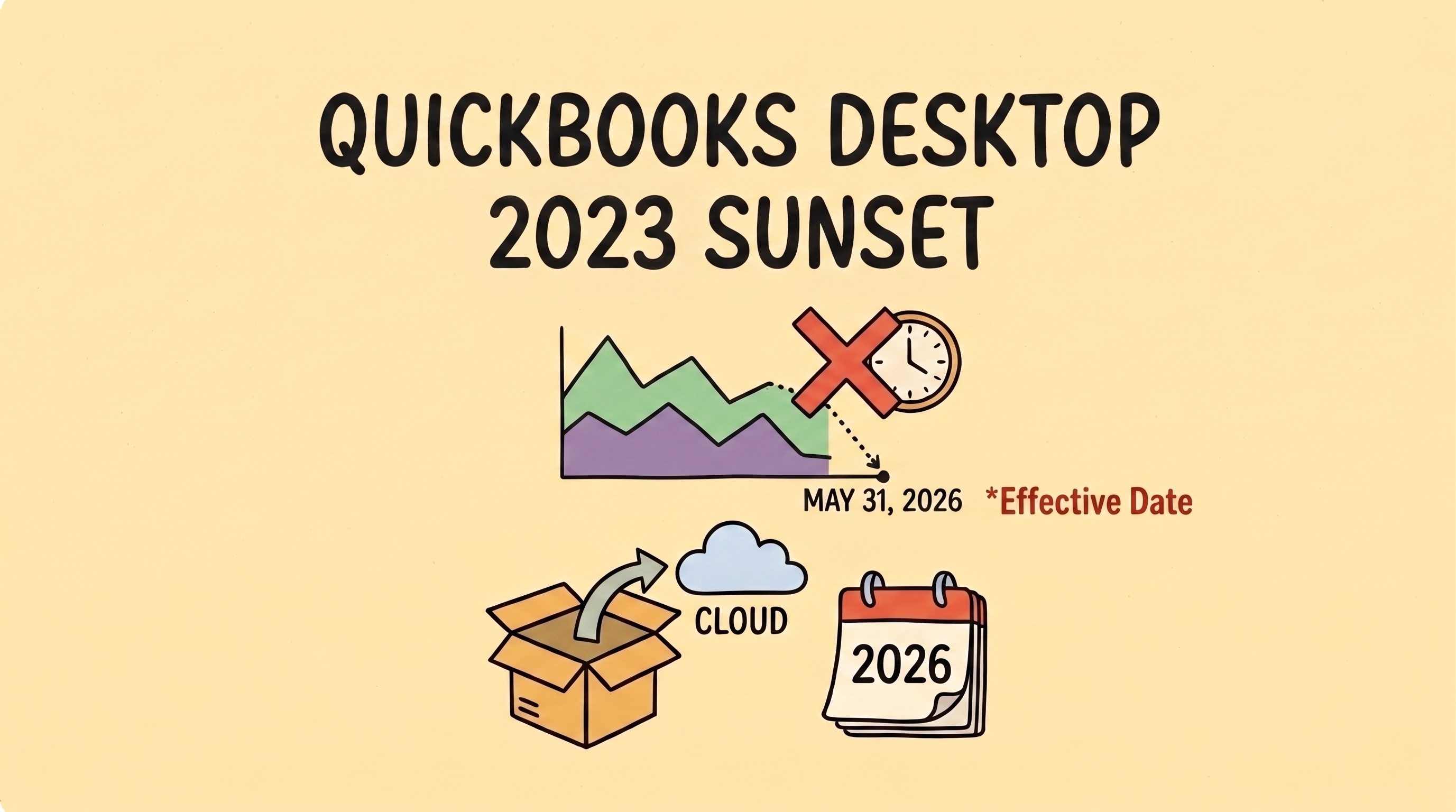

If your business runs on QuickBooks Desktop 2023, there’s a hard deadline approaching: May 31, 2026. This is the official “Service Discontinuation” deadline. While software updates are a routine part of business life, this sunset is particularly important because it marks a major shift in how Intuit supports its legacy products.
For the hundreds of thousands of US small businesses still using Desktop, the next few weeks are a critical window to plan your next move.
In Short: The May 31st Essentials
- The Software Stays: Your program won’t vanish, but it effectively goes “offline.”
- The Work Increases: You lose automated bank feeds and integrated payroll/payments.
- The Security Risk: Security patches end, leaving your financial data vulnerable.
- The Choice: You must decide between a traditional desktop upgrade, a cloud migration, or a modern automated alternative.
What Actually Breaks on June 1st?
It is a common misconception that your software will stop opening after the deadline. You can still access your data locally on your machine. However, the “pipes” that connect your records to the outside world will be cut. Intuit refers to this as losing Connected Services.
1. Automated Bank Feeds
The engine of most modern bookkeeping is the automatic download of transactions. After May 31, this connection is severed. You will be left entering every expense by hand or manually importing bank files—a slower, manual process that is more prone to data entry errors.
2. Integrated Payroll & Payments
If you handle payroll within the software, it will stop calculating federal and state taxes and won’t process direct deposits. Similarly, integrated payment processing will deactivate. While Intuit provides instructions for customers to pay you through other means, the seamless “click-to-pay” workflow that helps you get paid faster will be broken.
3. Security and Live Support
Safety is the most critical factor. After May 31, Intuit will no longer provide security patches for the 2023 version. Furthermore, their live technical support teams will no longer be authorized to help with file corruptions or 2023-specific issues.
Evaluating Your Options: A Decision Framework
Since Intuit shifted to a subscription-only model in late 2021, the landscape for Desktop users has changed. Use this framework to decide which path fits your specific needs.
| If your business… | Your best path is likely… | The Reality Check |
| Has complex inventory or deep job-costing needs. | QuickBooks Desktop Enterprise | This is a “rolling update” model, not a new yearly release. It is powerful, but prices rose ~10% in early 2026. |
| Wants continuity for 12–18 months. | QuickBooks Desktop 2024 | This is the final version for Pro/Premier Plus. Support officially ends September 30, 2027. |
| Wants standard cloud access. | QuickBooks Online (QBO) | A major shift in UI. Caution: Depending on your plan, the migration tool may only carry over two years of history. |
| Wants simplicity and high automation. | A Modern Alternative | Best for those who find legacy systems too feature-heavy for their actual needs. |
The Strategic Path Forward: Moving Beyond Legacy Workflows
The “QuickBooks Sunset” is the perfect moment for a bit of operational honesty: Is your current system actually serving you, or are you just used to its quirks? Staying on a discontinued system for the sake of familiarity often costs more in manual labor and security risk than the migration itself.
The goal for your next system shouldn’t just be “replacing what I had.” It should be about finding a workflow that removes the “financial fog” and automates the repetitive tasks that drain your mental bandwidth. Whether you move to the cloud or stick with the final Desktop version, make sure your choice rewards your hard work instead of creating more manual “to-do” lists.
About the Author
Isabella Jones started her career at Deloitte, where she worked on tax compliance for some of the country’s fastest-growing companies. She later joined Fynlo as Senior Financial Strategist, bringing that experience to freelancers and small business owners who need practical financial guidance without the corporate complexity.
With an Accounting degree from Villanova University, Isabella focuses on making financial planning easier to understand and apply in day-to-day business. She works closely with freelancers and small businesses on areas like taxes, cash flow, and building more stable financial systems.