
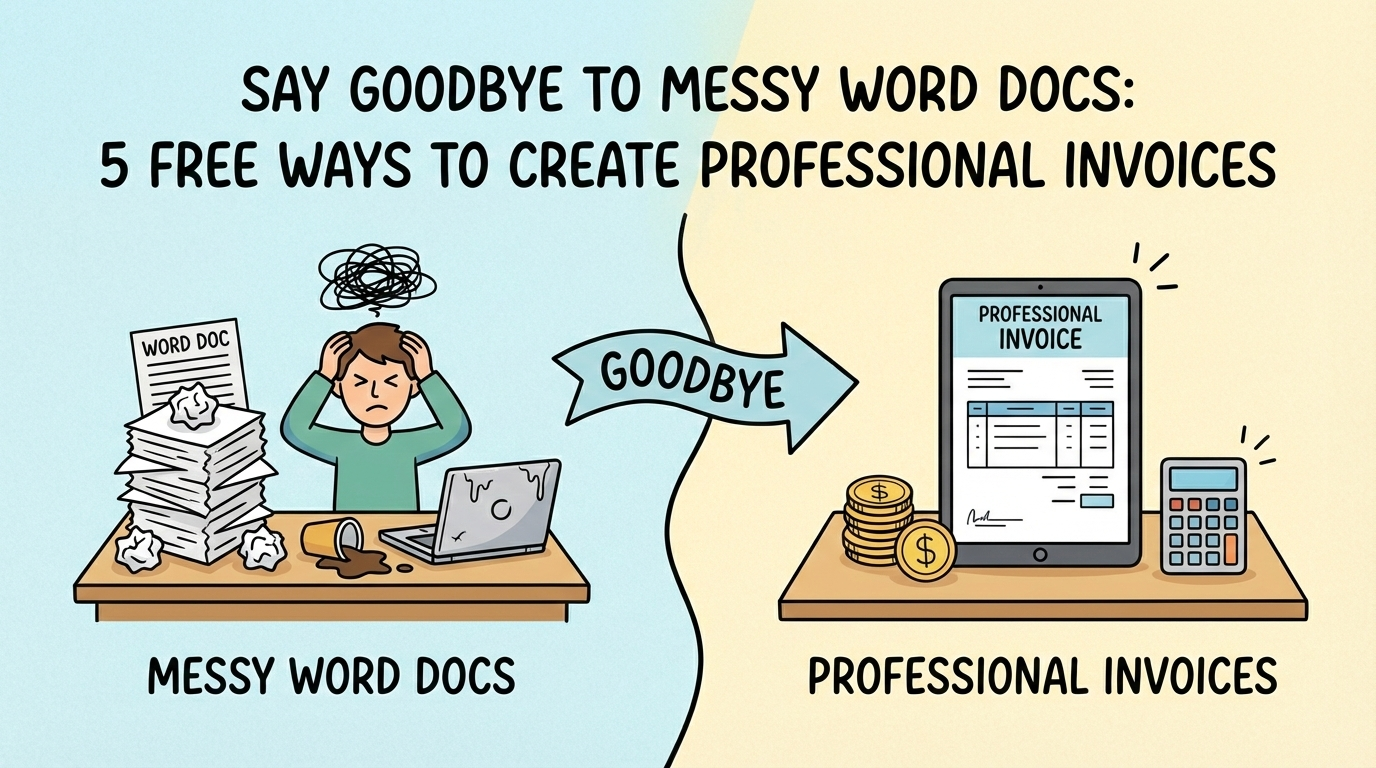

You’ve just exported the final file, closed the 17 browser tabs you’ve had open for a week, and hit “Send” on the final deliverable. You lean back in your chair, take a deep breath, and feel the weight of the project lift off your shoulders.
But before you can fully celebrate, there is one last administrative hurdle: asking for the money.
For many of us, this part feels awkward. We rush through it, typing a few lines into a document and hoping it looks “official enough.” But the reality is, your invoice is the final handshake of your project. It’s the last impression you leave.
Sending a polished, branded invoice does more than just look good—it changes the power dynamic. Data suggests that you are 3x more likely to get paid simply by adding a company logo to your invoice. Psychologically, a sharp invoice signals, “I take my business seriously, and I expect you to do the same.”
Here are 5 completely free ways to upgrade your invoicing today, ranked from the simplest quick-fix to fully automated systems.
In this article
- 1. Free Online Invoice Generators
- 2. Google Docs & Sheets Templates
- 3. Canva Templates
- 4. Stripe or PayPal Invoicing
- 5. Dedicated Invoicing Software (Wave, Zoho, Fynlo)
- Make Getting Paid the Easy Part
1. Free Online Invoice Generators
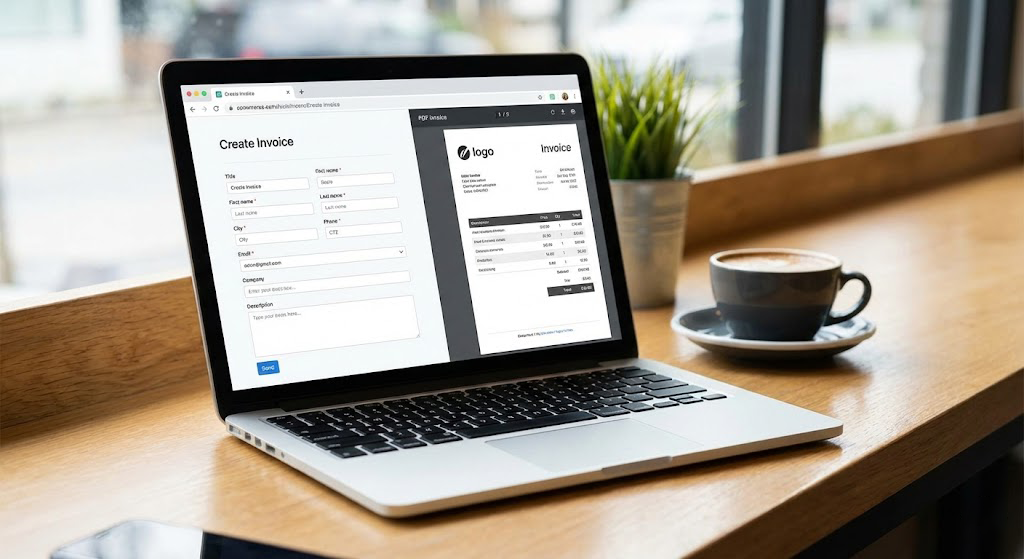
Sometimes you just need to send one invoice, right now. You don’t want to sign up for a new platform or remember another password; you just need a PDF that doesn’t look like it was made in 1999.
- How it works: These are essentially “digital forms.” You visit the website, type in your details, upload your logo, and the tool instantly compiles it into a downloadable PDF.
- Pros: It is the fastest route from “zero” to “sent.” It creates a clean layout automatically, so you don’t have to worry about alignment or font sizes.
- Cons: It is a “one-and-done” solution. Because there is no account, your data isn’t saved. Next month, you will have to re-type your address, the client’s address, and your payment terms all over again.
- Best For: One-off projects or side hustlers who only send 1–2 invoices a year.
Quick Tip: Look for generators that allow you to change the currency symbol if you are working with international clients. Sites like Invoice Generator or Shopify are great places to start.
2. Google Docs & Sheets Templates
If you are just starting out and want total control over every pixel, the Google Workspace gallery is likely your best friend. It is accessible, cloud-based, and you likely already use it for your actual work.
- How it works: Google has a hidden library of templates. Instead of starting with a blank page, you load a pre-designed invoice template that has tables, headers, and formulas already built in.
- Pros: It is completely customizable. You can tweak the colors to match your exact brand hex code. Plus, if you use Google Sheets, the formulas will handle the math for you (subtotals, tax rates, discounts), saving you from embarrassing calculation errors.
- Cons: It is still a manual process. You have to remember to change the invoice number (e.g., from #001 to #002) every single time, or you will end up with duplicate records.
- Best For: Detail-oriented freelancers who want total control over the design layout.
Quick Tip: Always export as a PDF before sending. Sending an editable Google Doc looks unprofessional and allows clients to accidentally (or intentionally) change the figures.

3. Canva Templates
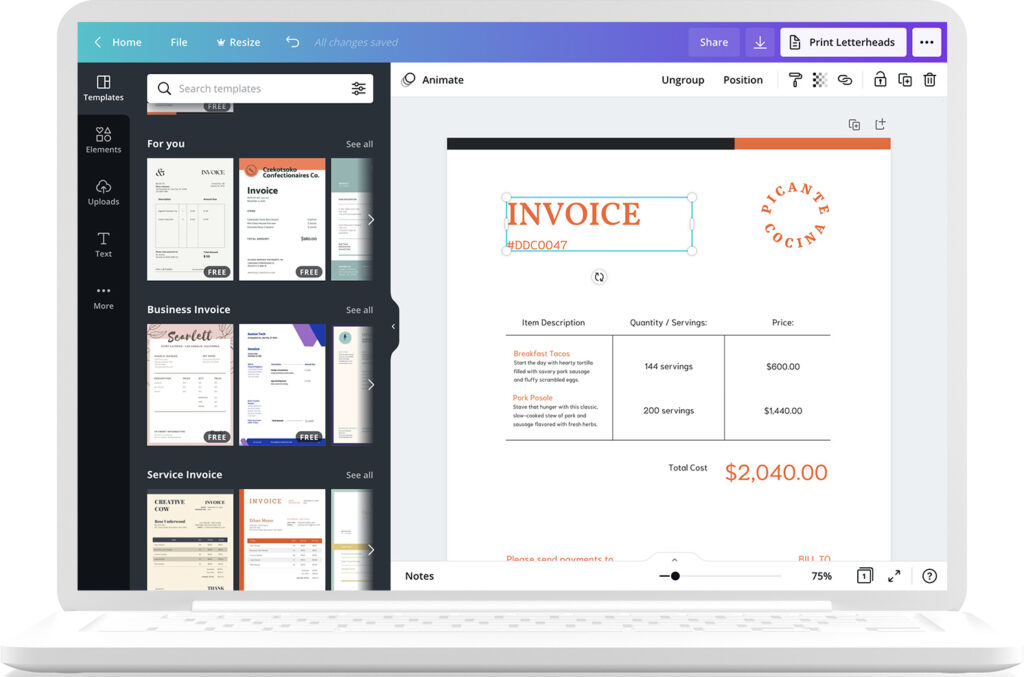
Who says invoices have to be boring spreadsheets? If you are in a creative field—graphic design, social media management, or photography—your invoice is another piece of your portfolio. It should look as good as your work.
- How it works: Canva offers thousands of free, designer-made invoice templates. You can drag and drop your brand colors, fonts, and even background textures.
- Pros: It allows for visual branding that spreadsheets simply can’t match. You can create an invoice that reinforces your identity as a creative professional.
- Cons: Like Google Docs, it is “static.” It won’t track who has paid you, and it certainly won’t send automatic reminders when a client is late. It is form over function.
- Best For: Designers, photographers, and creatives where aesthetics are part of the service.
Quick Tip: Create a “Master Template” in Canva so you don’t have to re-design it every time. Just duplicate the page and update the line items.
4. Stripe or PayPal Invoicing
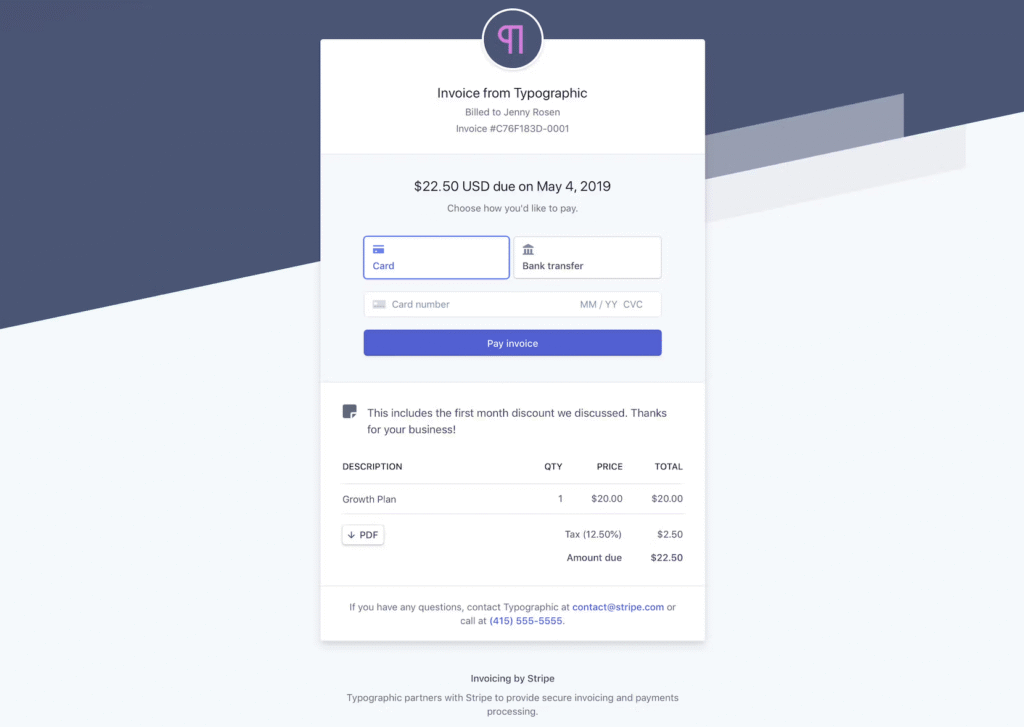
If your priority is getting money into your bank account fast, you might want to skip the PDF attachment entirely and send a digital invoice directly through your payment processor.
- How it works: You generate the invoice inside your PayPal or Stripe dashboard. The client receives an email with a giant “PAY NOW” button.
- Pros: Friction kills payments. By letting clients pay instantly with a credit card, you remove the “I’ll get to it later” barrier. Digital invoices like these are paid up to 3x faster than traditional methods.
- Cons: Transaction fees. You will typically lose around 2.9% + $0.30 per invoice. You have to decide if getting paid faster is worth giving up ~3% of your revenue.
- Best For: Service providers who need cash flow speed over 100% profit retention.
Quick Tip: Enable “recurring invoices” if you have clients on a monthly retainer. The system will bill them automatically without you lifting a finger.
5. Dedicated Invoicing Software (Wave, Zoho, Fynlo)
Eventually, manual templates and fees become a bottleneck. If you are sending more than 5 invoices a month, you need a system that automates your entire billing workflow—remembering your clients, numbering your invoices, and chasing payments for you.
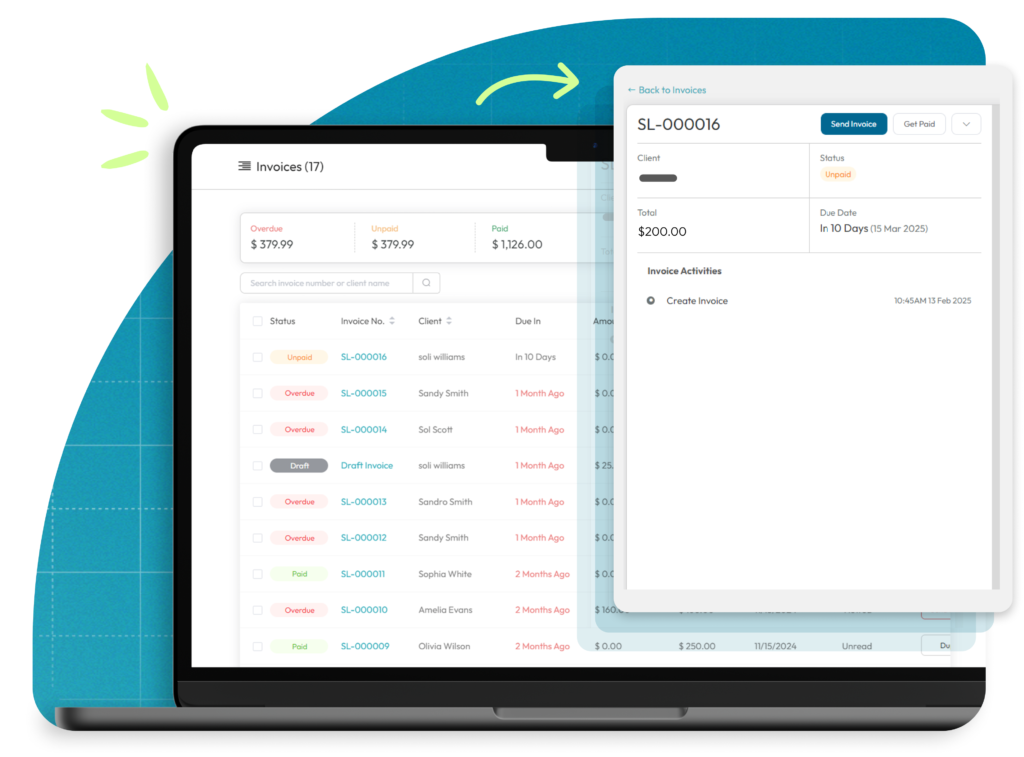
- How it works: These are dedicated financial platforms. You create a client profile once, and the system stores it. You can track exactly when an invoice was sent, viewed, and paid.
- Pros: The main benefit is automation. These tools can send automatic “polite nudges” to clients who haven’t paid by the due date. This saves you the emotional stress of having to write those awkward follow-up emails yourself.
- Cons: There is a slight learning curve to setting up your account compared to just typing into a Word doc.
- Best For: Freelancers and SMBs ready to automate their admin work and scale.
Quick Tip: With Fynlo’s Forever Free plan, you get a professional dashboard that tracks invoice views. This means a client can never use the excuse “I didn’t get the email” again, because you’ll know exactly when they opened it.
Make Getting Paid the Easy Part
Professionalism doesn’t have to cost money, but looking amateur will cost you opportunities.
As your workload grows, tools that automate invoicing, reminders, and tracking can make a noticeable difference.
Exploring a dedicated invoicing platform like Fynlo is a simple next step if you want fewer follow-ups and more predictable payments.
Book a free demo to see how Fynlo might fit into your day-to-day.