
QuickBooks Desktop 2023 Sunset: What Breaks, What Works, and Your Best Next Steps
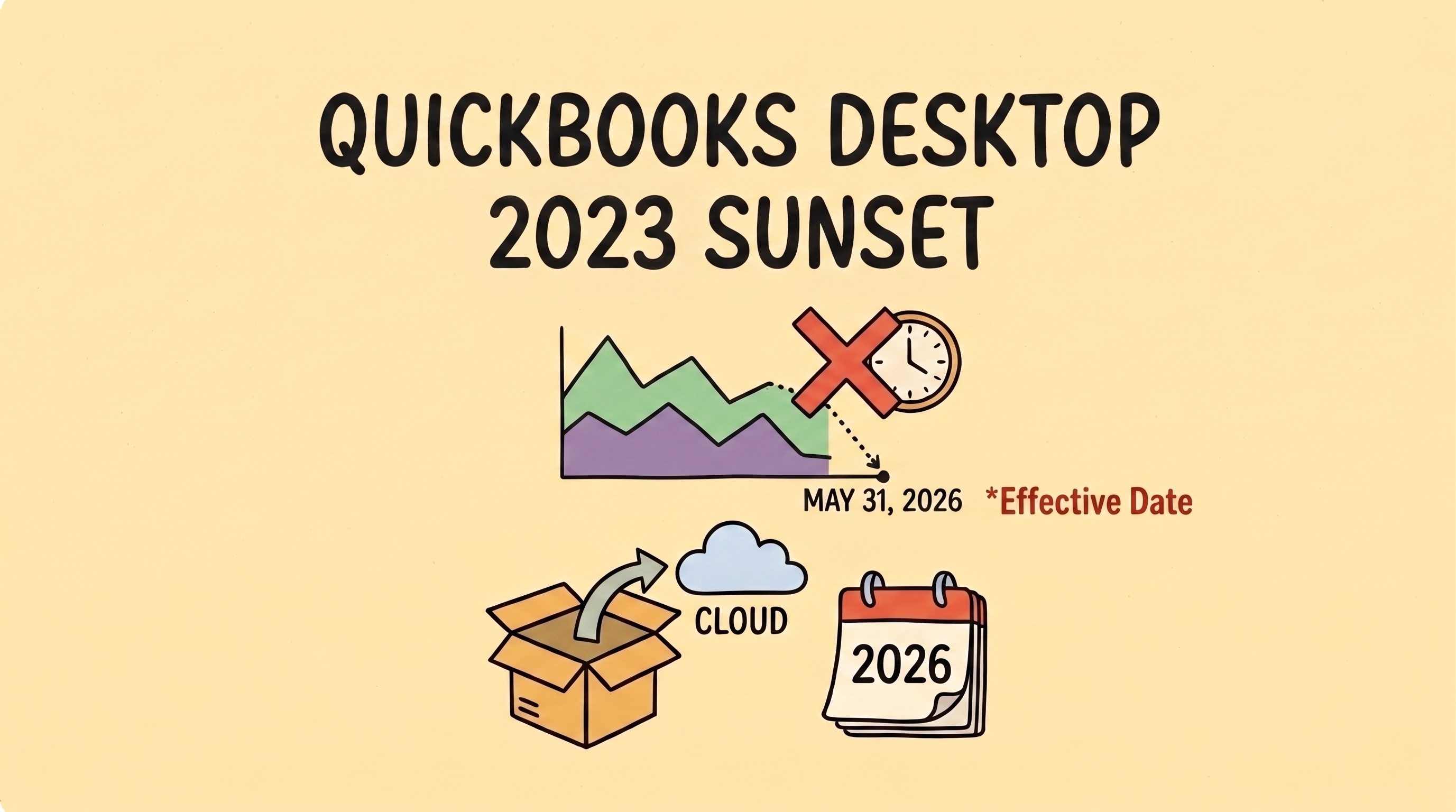
If your business runs on QuickBooks Desktop 2023, there’s a hard deadline approaching: May 31, 2026. This is the official “Service Discontinuation” deadline. While software updates are a routine part of business life, this sunset is particularly important because it marks a major shift in how Intuit supports its legacy products. For the hundreds of thousands of US small businesses still using Desktop, the next few weeks are a critical window to plan your next move. In Short: The May 31st Essentials What Actually Breaks on June 1st? It is a common misconception that your software will stop opening after the deadline. You can still access your data locally on your machine. However, the “pipes” that connect your records to the outside world will be cut. Intuit refers to this as losing Connected Services. 1. Automated Bank FeedsThe engine of most modern bookkeeping is the automatic download of transactions. After May 31, this connection is severed. You will be left entering every expense by hand or manually importing bank files—a slower, manual process that is more prone to data entry errors. 2. Integrated Payroll & PaymentsIf you handle payroll within the software, it will stop calculating federal and state taxes and won’t process direct deposits. Similarly, integrated payment processing will deactivate. While Intuit provides instructions for customers to pay you through other means, the seamless “click-to-pay” workflow that helps you get paid faster will be broken. 3. Security and Live SupportSafety is the most critical factor. After May 31, Intuit will no longer provide security patches for the 2023 version. Furthermore, their live technical support teams will no longer be authorized to help with file corruptions or 2023-specific issues. Evaluating Your Options: A Decision Framework Since Intuit shifted to a subscription-only model in late 2021, the landscape for Desktop users has changed. Use this framework to decide which path fits your specific needs. If your business… Your best path is likely… The Reality Check Has complex inventory or deep job-costing needs. QuickBooks Desktop Enterprise This is a “rolling update” model, not a new yearly release. It is powerful, but prices rose ~10% in early 2026. Wants continuity for 12–18 months. QuickBooks Desktop 2024 This is the final version for Pro/Premier Plus.Support officially ends September 30, 2027. Wants standard cloud access. QuickBooks Online (QBO) A major shift in UI.Caution: Depending on your plan, the migration tool may only carry over two years of history. Wants simplicity and high automation. A Modern Alternative Best for those who find legacy systems too feature-heavy for their actual needs. The Strategic Path Forward: Moving Beyond Legacy Workflows The “QuickBooks Sunset” is the perfect moment for a bit of operational honesty: Is your current system actually serving you, or are you just used to its quirks? Staying on a discontinued system for the sake of familiarity often costs more in manual labor and security risk than the migration itself. The goal for your next system shouldn’t just be “replacing what I had.” It should be about finding a workflow that removes the “financial fog” and automates the repetitive tasks that drain your mental bandwidth. Whether you move to the cloud or stick with the final Desktop version, make sure your choice rewards your hard work instead of creating more manual “to-do” lists. About the Author Isabella Jones started her career at Deloitte, where she worked on tax compliance for some of the country’s fastest-growing companies. She later joined Fynlo as Senior Financial Strategist, bringing that experience to freelancers and small business owners who need practical financial guidance without the corporate complexity. With an Accounting degree from Villanova University, Isabella focuses on making financial planning easier to understand and apply in day-to-day business. She works closely with freelancers and small businesses on areas like taxes, cash flow, and building more stable financial systems.
5 High-Value Service Roles Shaping the AI Economy
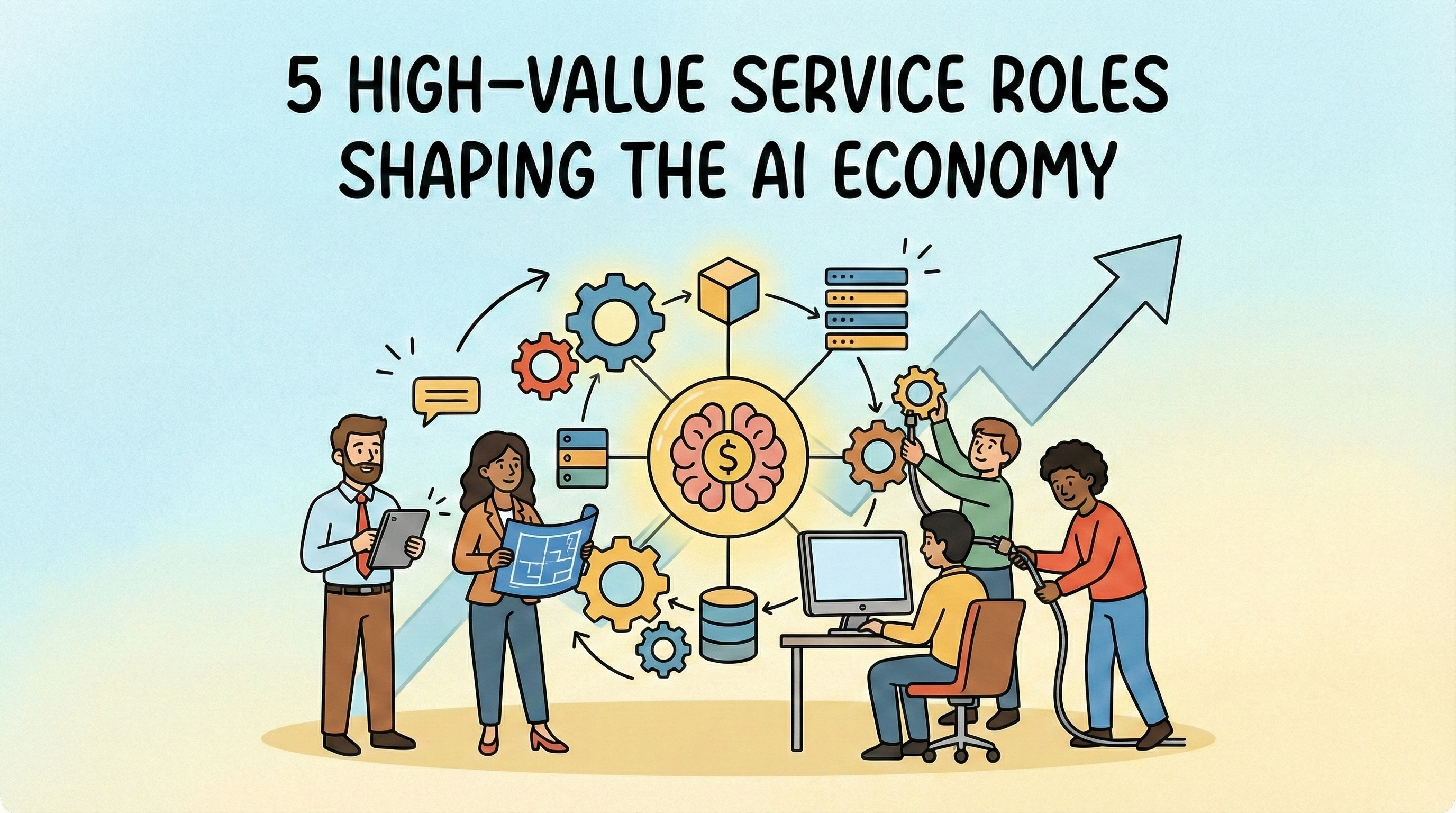
It feels like every time we check the news, there is a new story about AI coming for everyone’s job. While those headlines can be a bit overwhelming, the real story is actually much more positive for small business owners. AI isn’t just about robots replacing people. It is opening up entirely new ways for us to work as specialists. According to McKinsey’s report, generative AI could add up to $4.4 trillion to the global economy every year. A huge chunk of that value isn’t going to the tech giants. Instead, it is going to specialized service providers who know how to make this technology work for real-world businesses. We are seeing a shift where value is moving away from basic data entry and toward the “brains” behind the systems. For entrepreneurs and small firms, this is the perfect time to pivot into niches that didn’t even have a name a few years ago. Here are five of the fastest-growing roles emerging in this new economy. 1. The AI Workflow Automation Architect Gartner predicts that by 2026, over 80% of enterprises will be using generative AI to automate their workflows. That sounds great on paper, but in reality, there is a massive “integration gap.” Most businesses have plenty of tools, but they are often stuck in a tangle of software where nothing talks to each other correctly. Automation Architects are the people who fix this mess. They don’t just use AI; they build autonomous systems that handle the boring parts of a job. Imagine a setup where a new lead arrives and the AI automatically researches the prospect’s background, drafts a personalized intro, and updates your records. This happens in the background while the business owner is actually focused on the creative work they love. Because this work is so results-driven (you are literally giving a founder their time back), these architects can command premium fees. They usually run very lean operations and rely on the same automation they sell. For them, manual bookkeeping isn’t just a chore; it is a total contradiction to their business model. 2. The Fractional Chief AI Officer (CAIO) Every small business owner knows they should be using AI, but most are simply too busy running their daily operations to figure it out. They can’t afford a full-time executive with a massive salary, yet they are worried about falling behind. The World Economic Forum’s Future of Jobs Report 2025 actually highlights that while AI will displace some roles, it is expected to create 170 million new ones globally, leading to a net gain of 78 million jobs by 2030. Many of these are high-level, specialized roles that support business transformation. A Fractional CAIO is essentially a “part-time expert for hire.” They might jump in for a few hours a month to audit a company’s processes and provide a clear roadmap. They help the team decide which tools are worth the investment and which are just hype. It is a high-level role that lets the CEO focus on growth while the CAIO handles the tech strategy. Managing a portfolio of high-value clients like this requires extreme organization. When you are juggling five different companies, you cannot afford a messy back office. These consultants need a clear, professional view of their cash flow across all their retainers so they can stay focused on the strategy their clients are paying for. 3. The Niche Data Fine-Tuner General AI can be a bit of a “jack-of-all-trades, master of none.” A law firm doesn’t need a chatbot that knows how to write a poem; they need a system that understands specific regional real estate laws. This has created a boom for Fine-Tuners. These are consultants who take generic models and “teach” them using industry-specific data. This is meticulous, high-value work. You might spend weeks cleaning up a client’s proprietary contracts or internal logs to ensure the AI becomes an expert in that one specific field. This role bridges the gap between raw data and actually useful intelligence. Since these projects often involve heavy technical costs and irregular billing, such as a large deposit followed by a success fee, tracking project profitability is vital. If you don’t keep a close eye on your expenses as they happen, those big margins can disappear faster than you might think. 4. The “Hallucination Hunter” (AI Risk Auditor) With new regulations like the EU AI Act rolling out, companies are now legally responsible for what their AI says. If a chatbot gives bad financial advice or leaks private data, the business is on the hook. AI Auditors are the “human safety net.” They stress-test AI systems to find bias, errors, or privacy leaks before they go live. It is a role built entirely on trust and accuracy. In high-stakes worlds like healthcare or finance, these auditors are the reason companies feel safe hitting “publish” on a new tool. If your entire brand is built on being a rigorous auditor, your own internal records have to be spotless. These professionals need an audit-ready paper trail for their own finances. Using tools that automate record-keeping doesn’t just save them time; it ensures they are practicing the same level of accuracy they promise their clients. 5. The Human-Centric Experience Designer We’ve all had that frustrating experience of getting stuck in a chatbot loop where you just want to talk to a real person. Businesses are starting to realize that total automation often leads to zero customer satisfaction. Gartner found that 64% of customers still want a human touch for complex problems. Experience Designers are the bridge. They design the “hand-off,” which is the exact moment where the AI steps back and a human steps in. They ensure that automation feels like a help rather than a barrier. You could think of them as the Empathy Engineers of the tech world. These designers often work with a revolving door of creative contractors like writers, developers, and researchers. That means a lot of moving parts in their bank account. Keeping those project budgets and contractor payments organized is the only way they can stay in their “creative zone” without getting bogged down in spreadsheets. Future-Proofing Your Back Office The roles we are seeing emerge all have one thing in common: they are lean, fast-moving, and highly specialized. These entrepreneurs are
Future-Proof Your Business: Essential New Business Trends for 2026
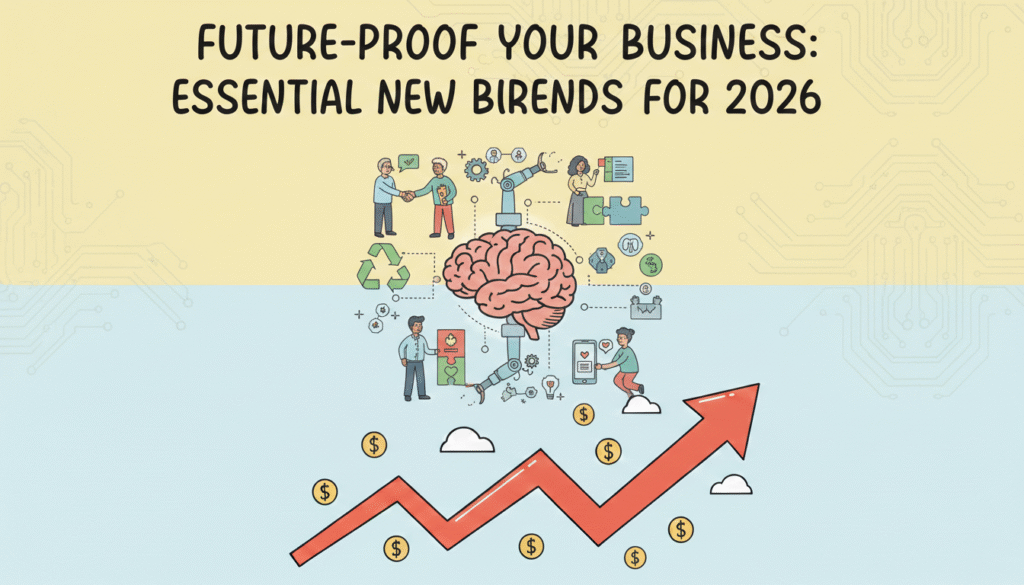
Stepping into 2026 feels like a strategic reset. For those of us running businesses, the focus has shifted toward building systems that are resilient enough to let us lead with vision instead of just reacting to the latest fire in our inbox. We are looking for Operational Intelligence: a state of flow where the back office supports growth rather than hindering it. The numbers suggest a massive shift is underway. With US e-commerce revenue expected to climb by nearly $500 billion by 2029, the opportunities are vast, but the complexity has followed suit. While 80% of organizations agree that inadequate or outdated technology is holding back innovation, success requires looking at how these investments empower our teams and protect our mental bandwidth. This guide explores five essential shifts in technology, workplace culture, and consumer behavior that are defining the market this year. By understanding these trends, you can transition from manual labor to a model where your business is as durable as the products or services it sells. In this article 1. Synergistic AI Collaboration We have officially moved past the experimentation phase of AI. It is no longer a shiny new object to be feared or idolized; it has become a fundamental utility. By the end of 2026, most successful businesses will have moved away from basic chatbots toward true Workflow Orchestration. This involves using AI for the heavy lifting of data processing and research while a human partner provides the final 10% of nuance and accountability. Consider the common struggle of market research. A real estate agency might use a tool like Clay to scan thousands of property listings for very specific investment criteria. This technology allows them to instantly cross-reference public tax records, zoning changes, and owner locations to find distressed opportunities that basic filters often miss. In the past, a founder might have spent ten hours a week on this. Now, the AI provides a refined shortlist. An expert strategist then reviews that list to ensure the fit feels right before any outreach happens. This human-in-the-loop model is why McKinsey suggests that AI could technically automate about 57% of work hours. The goal is to move away from manual labor toward a model where humans act as the ultimate quality control for intelligent systems. 2. Modern Skills-Based Hiring The way we build our teams is undergoing its most significant transformation in decades. The old debate over office space has matured into a more sophisticated discussion about results. We are seeing the rise of the Results-Only model, where talent is measured by what they can actually produce rather than where they went to school or how long they sit at a desk. Skills-based hiring is becoming the new gold standard. 90% of companies now report that they make much better hires when they prioritize specific, verifiable competencies over traditional four-year degrees. Technology has made this easier to manage for businesses of all sizes. Platforms like Deel or Gusto allow us to handle global payroll for hybrid teams, while tools like Loom or Slack facilitate high-quality communication that does not require everyone to be in the same time zone. We are seeing law firms and tech giants move away from traditional requirements to find specialized talent that can actually move the needle on day one. 3. Strategic Circular Operations In 2026, sustainability has moved from the marketing department into the heart of operations. The Circular Economy model (where we design waste out of our systems and keep materials in use longer) is now a competitive requirement. Consumers are increasingly skeptical of greenwashing and are looking for brands that offer radical transparency. Research shows that 81% of consumers now trust brands that are open about their operations and even their challenges. Some businesses use Notion to build public-facing transparency portals, while others use Watershed to track their actual environmental impact. This transparency builds a layer of trust that traditional advertising simply cannot buy. Beyond the ethical benefits, this trend is a survival tactic. Circularity protects you against geopolitical shocks in the supply chain. When your business model includes refurbishment or reuse, you become far less dependent on the volatile global markets for raw materials. It is about building a business that is as durable as the products it sells. 4. Cultivating Gen Z Loyalty Gen Z and Alpha consumers are rewriting the rules of brand loyalty. They expect a relationship that feels helpful and human-led rather than purely algorithmic. For these generations, community is the primary currency. The financial impact of this connection is significant, as some organizations have found that active community members generate five times more revenue compared to those who are less engaged. The tools for this have become incredibly accessible. Many brands use Klaviyo for hyper-personalized, behavior-based emails that feel like a conversation rather than a broadcast. Others are moving their most loyal fans into owned communities on platforms like Circle or Substack. With attention spans now averaging just over eight seconds, the format matters as much as the message. Short-form, vertical video is now the primary way three-quarters of all video content is consumed. It is a fast-paced environment, but those who lead with authenticity and provide value quickly are seeing the highest conversion rates. 5. Scaling through Seamless Integration Moving toward these trends is rarely a straight line. It is easy to feel a sense of app fatigue when you have too many tools that do not talk to each other. This often results in technical debt, where the founder ends up spending more time managing software than leading people. The way to handle this is by adopting an integration-first policy. We should only bring in tools that have a robust way to sync with our existing systems, usually through a platform like Zapier. This keeps our data in one place and prevents the scattered feeling of having five different logins for one project. Another common friction point is the quality gap that comes with over-automation. When we rely too much on AI, our brand can start to feel cold or generic. The solution is to build a human guardrail. For any customer-facing output or high-stakes financial task, there should be a rule that an expert performs a final sanity check. Technology provides the speed, but people provide the
The 5 Biggest Accounting Trends That Will Define Business Survival in 2026
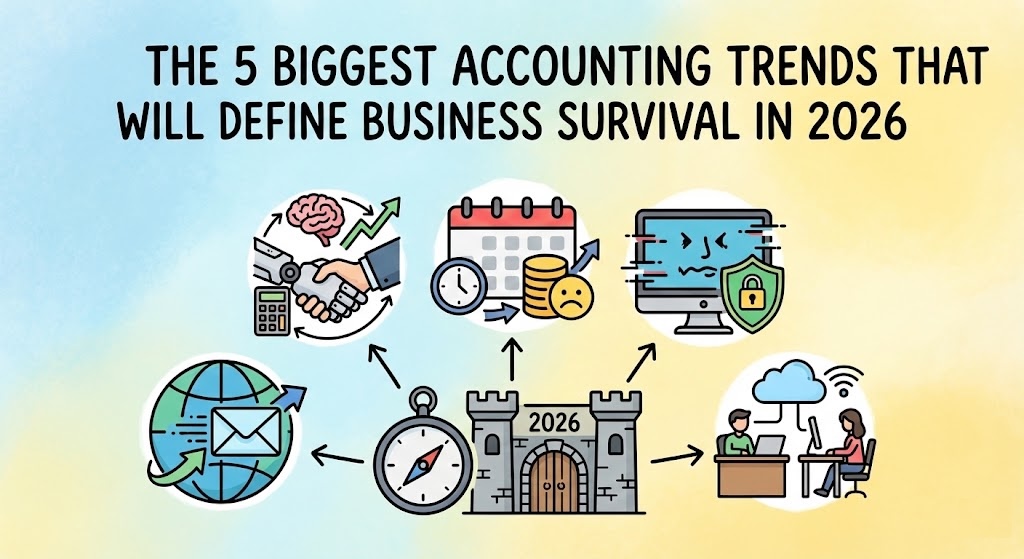
If you feel like the rules of doing business are changing faster than you can keep up, you aren’t alone. For freelancers and small business owners, 2026 is shaping up to be a turning point. We are finally moving away from the era of “I’ll get to that paperwork later” and into a world where automation is the standard and compliance is non-negotiable. We have dug into the latest government budgets and global industry reports to bring you the five biggest shifts hitting the accounting world in 2026. Here is what you need to know to stay ahead. In this article 1. Mandatory E-Invoicing Is Going Global First, let’s clear up a common misconception: E-invoicing is not just emailing a PDF. When you send a PDF, it is essentially a digital piece of paper—a human still has to open it, read it, and type the numbers into their system. True e-invoicing is data, not a document. It involves sending structured files (like XML) directly from your software to your client’s software (or the government’s), where it is read and processed instantly without human hands touching it. Governments love this because it closes tax gaps, and now they are making it the law across the globe. If you work with clients in these regions, your current method of invoicing might become obsolete. You will likely need software that generates these specific machine-readable formats automatically to ensure you can still get paid. 2. AI Will Supercharge Your Financial Productivity Ignore the doom-and-gloom headlines about robots taking jobs. In 2026, AI is less about replacing you and more about giving you your weekends back. The technology has matured from a “cool experiment” to a daily essential for cutting down busy work. 3. Late Filing Penalties Are Increasing Governments are getting smarter. They are using better data to spot mistakes faster, and the leniency we saw in previous years is disappearing. 4. The Rise of Deepfakes is Creating New Cybersecurity Risks Small businesses often think they are too small to be targeted by hackers. Unfortunately, as large corporations tighten their security, attackers are pivoting to smaller, easier targets using terrifyingly realistic tech. 5. Remote Work is the New Standard (But It’s Hybrid) The concept of having your accountant “down the street” is fading. Business owners are increasingly prioritizing talent and tech-savviness over physical proximity. Future-Proof Your Business with Fynlo The common thread across all these trends is technology. Whether it is meeting new e-invoicing mandates, staying on top of deadlines to avoid steeper penalties, or leveraging AI to save time, you need tools that evolve as fast as the world does. That is why we are excited to introduce the recently launched Fynlo AI. We built Fynlo AI to directly address the productivity and accuracy challenges mentioned above. It allows you to simply upload receipts or bank statements, and our engine takes over from there. Fynlo AI extracts the data, categorizes every entry, and updates your financial reports in real-time with 100% accuracy. No more manual data entry errors, no more late nights classifying expenses, and no more guessing where your business stands. Ready to get ahead of the 2026 trends? Schedule a demo today and experience the future of automated accounting.
5 Business Tasks You Should Outsource to Scale Faster
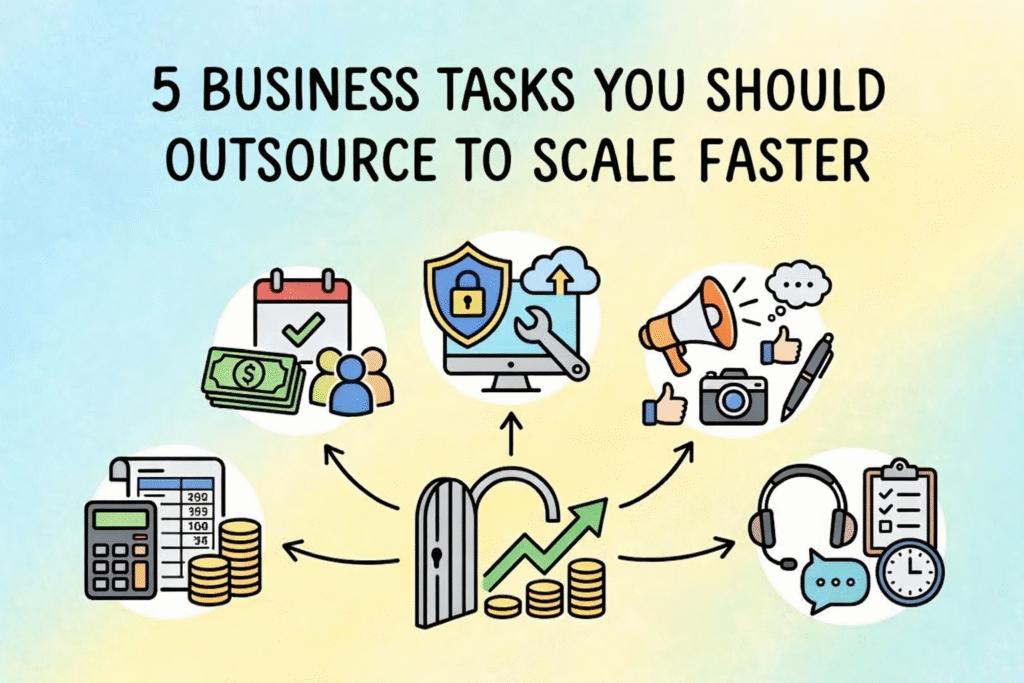
Most of us start our businesses with a “DIY” mindset. It works at first, but eventually, you hit a wall where there just aren’t enough hours in the day. Trying to handle everything yourself isn’t just exhausting—it actually stops your business from growing. Strategic outsourcing is about taking the specialized or repetitive stuff off your plate so you can focus on the work that actually moves the needle. In this Article Framework: How to decide which task to outsource first Before you hire anyone, you need to know where you’re currently wasting your energy. Take a look at your to-do list from the last week and plot your tasks into this simple grid: Task Profile Examples Action Low Skill / High Time Data entry, scheduling, basic emails Outsource these immediately. These are the “time-thieves” keeping you from big-picture work. High Skill / High Risk Tax filings, legal contracts, cybersecurity Outsource to experts. Don’t try to “wing it” here; the cost of a mistake is way too high. High Skill / High Growth Strategy, sales, closing big deals Keep these for yourself. This is the core of your business. 1. Moving from “Doer” to “CEO” in your finances The biggest hurdle for growing companies is the owner still acting as the daily bookkeeper. If you’re spending your Sunday nights categorizing expenses, you’re performing a job that pays much less than your actual worth as a business owner. By handing this off, you shift from “doing” the data entry to “reviewing” the financial health of your company. Modern tools like Xero, Quickbook, and Fynlo automate a lot of this, so your books stay clean without you ever touching a spreadsheet. This lets you spend your brainpower on sales and strategy—the things that actually increase your bank balance. 2. Staying on the right side of the IRS (Tax & Compliance) Tax rules change constantly, and trying to keep up with them is a full-time job in itself. If you’re handling your own filings or using a “cheap” service, you might not notice an error until you get a scary letter from the IRS. Outsourcing your tax and compliance work gives you a layer of protection. These experts track deadlines for payroll taxes and corporate returns so you don’t have to worry about interest or penalties. It’s less about “saving time” and more about moving that risk off your shoulders and onto a professional. 3. Reclaiming your calendar with admin support Admin tasks like managing your inbox, scheduling meetings, and updating your CRM are necessary, but they don’t bring in new revenue. As you grow, these “little things” multiply and start causing decision fatigue. If you’re buried under 50 unread emails, you aren’t in the right headspace to make big business moves. A Virtual Assistant can easily reclaim 10 to 15 hours of your week. Imagine what you could do with an extra two workdays every month. The goal is to make sure that every hour you spend working is spent on something that only you can do. 4. Protecting your business with managed IT Small businesses are huge targets for hackers because they usually don’t have the same defenses as the big guys. Managing your own cybersecurity is a massive liability. If your system crashes or you get hit by a data breach, it can shut you down for weeks. Outsourced IT providers offer 24/7 monitoring and backup plans. For most businesses, a monthly subscription for IT support is a lot cheaper than trying to recover from a ransomware attack or a total system failure. It’s basically an insurance policy for your data. 5. Scaling your brand with marketing experts You probably know your industry inside and out, but that doesn’t mean you’re an expert in SEO or social media algorithms. Marketing moves fast, and trying to keep up with every new trend is an inefficient use of your time. By outsourcing your marketing to an agency or a pro freelancer, you get high-level strategy and content that actually looks professional. They have the tools to track what’s working and what isn’t, making sure your marketing budget is actually bringing in new leads instead of just disappearing. A better way to scale Outsourcing isn’t about “giving up” on parts of your business; it’s about being smart with your resources. When you delegate things like bookkeeping, IT, and admin, you lower the chance of human error and get your life back. Fynlo is designed to help with this transition. We give you the financial clarity you need to manage your business from the top down, while the experts handle the day-to-day details. Ready to scale? [Schedule a call]
How AI Helps Prevent Errors in Financial Reporting
Even the most careful business owners make mistakes now and then. A duplicated entry, a missing invoice, or a miscategorized expense can quietly throw off your entire picture of profitability. The challenge isn’t just human error, but the sheer amount of detail involved in keeping financial records accurate every single day. That’s where Artificial Intelligence (AI) is making a meaningful difference. Modern accounting tools use AI to catch inconsistencies, flag unusual patterns, and automate repetitive checks that once took hours of manual review. The result is fewer errors, faster reporting, and greater confidence in your numbers. According to a 2024 analysis by GlobalFPO, about 58% of accounting firms had already adopted some form of AI to improve efficiency and accuracy in their workflows, with many reporting measurable gains in speed and error reduction. Whether you’re a freelancer managing multiple clients or a small business owner keeping an eye on growth, understanding how AI improves accuracy can truly transform the way you manage your finances. Here’s how AI-driven accounting systems help stop financial errors before they start. Table of Contents 1. Automated Data Capture Keeps Human Error in Check The first step to accurate reporting is clean data entry. Most financial mistakes begin right here: typos, missing receipts, or mismatched invoices. AI helps eliminate those weak spots by automating the capture process. Using Optical Character Recognition (OCR) and machine learning, AI can scan invoices, instantly pull out the right information, and record it automatically. For instance, if you snap a picture of a receipt, the system identifies the vendor, date, and amount, then knows how to categorize it correctly. This drastically reduces manual input and ensures consistency from the start. The fewer times you type something in, the fewer chances there are for mistakes to creep in. 2. Continuous Reconciliation Catches Discrepancies Early Traditionally, reconciliation happens once a month, often at the worst possible time when you’re already swamped trying to close the books. AI changes that by continuously comparing your bank, credit card, and ledger records in real time. If an entry doesn’t match or looks suspicious (like a surprisingly large transfer to a new vendor), the system immediately alerts you. That early detection allows you to fix small discrepancies right away, preventing them from distorting your final reports. This ongoing reconciliation also builds confidence: when you check your balances mid-month, you know they reflect reality, not last month’s lingering problems. 3. Smarter Categorization Improves Consistency Misclassifying transactions is one of the most common causes of inaccurate reporting. Recording a long-term asset as an expense, or putting a large software invoice in the wrong bucket, might seem minor, but over time, it adds up. With machine learning, your system learns your habits and applies them consistently. Over time, it recognizes how you typically categorize expenses and automatically suggests the right category. If something seems off, it flags the entry before it causes confusion. For example, if you consistently log software subscriptions under “Technology,” but a new one gets placed in “Office Supplies,” AI can prompt you to take another look. This small adjustment helps ensure your data stays clean and comparable month after month. 4. Anomaly Detection Identifies Hidden Irregularities Some financial errors are too subtle for the human eye to notice. Modern AI tools excel at spotting irregularities by scanning thousands of transactions and recognizing patterns that don’t align with your usual activity. Let’s say your company usually pays similar invoices between $300 and $500 each month. If one suddenly jumps to $2,000, AI will flag it instantly. Tools use this capability to quickly detect fraud, duplicates, or simple posting mistakes long before they show up in an audit. By catching irregularities early, you prevent small errors from snowballing into larger financial risks. 5. Predictive Analytics Helps Prevent Future Mistakes Once your data is accurate, AI can use it to look ahead. Predictive analytics combines machine learning with historical data to forecast cash flow, spending, and revenue trends. This matters because many reporting errors stem from rushed or reactive decisions. When you can see what’s coming, you’re less likely to make hurried, last-minute adjustments that lead to mistakes later. For example, if your AI tool predicts a potential cash shortfall next month, you can delay a large planned purchase or follow up on overdue invoices sooner. It’s not just about accuracy now, it’s about making smarter decisions for future accuracy. 6. Automated Compliance Reduces Regulatory Risks One of the most stressful parts of financial reporting is compliance: making sure you’re meeting tax laws, filing deadlines, and recordkeeping requirements. AI helps by embedding those rules directly into your accounting system. It can verify that invoices include all necessary information, apply correct tax rates automatically, and maintain detailed audit trails. Some systems even cross-check data against regional tax laws or detect missing documentation before you file. The result is fewer errors that lead to fines, late penalties, or audit headaches, giving you more confidence that your books meet every requirement. 7. Continuous Learning Makes Your System Smarter Over Time Perhaps the most powerful part of AI is that it learns and adapts. Each time you correct an entry or confirm a categorization, the system gets better at its job. This means your financial software doesn’t just automate; it customizes itself to your business. Over time, your AI assistant becomes more accurate, more efficient, and more aligned with exactly how you work. That learning loop reduces future mistakes, sharpens forecasts, and keeps your books reliable month after month. Final Thoughts AI is quietly redefining what accuracy means in accounting. By automating routine tasks, flagging issues in real time, and learning from your corrections, it prevents errors before they even start. For freelancers and small business owners, that means less time second-guessing numbers and more time focusing on growth. If you’re ready to bring clarity, confidence, and automation to your financial reporting, Fynlo can help. Our intelligent accounting tools combine smart automation with human-friendly design, helping you keep your books accurate and your business decisions informed. Book a quick chat with our team to learn how we can help streamline your reporting and reduce costly mistakes.
4 Ways Small Business Owners Can Use AI to Reclaim 20+ Hours Weekly
Most founders think they need more time. In reality, what they need is fewer interruptions. The issue usually isn’t the big tasks. It’s the small ones—checking a transaction, replying to a quick message, updating a spreadsheet. Each one only takes a few minutes, but they keep pulling you out of whatever you were doing. Replying to one email isn’t the problem. It’s what it interrupts. Over time, this constant switching is what makes the day feel scattered. You’re busy the whole time, but it’s hard to point to what actually moved forward. This is where AI actually helps. Not by doing everything for you, but by quietly removing the small tasks that keep breaking your focus. In this article The Productivity Shift: Old Way vs. New Way Business Task The Manual Method A More Streamlined Approach Weekly Time Saved Bookkeeping Sorting receipts & manual entry Auto-categorization + review 4–6 Hours Marketing Starting from a blank page Draft-first workflow with AI 3+ Hours Support Answering the same questions daily AI + human handoff 5+ Hours Admin Moving data between tools Simple workflow connections 2–4 Hours 1. Bookkeeping without constant checking Bookkeeping is one of those tasks that never feels urgent, but keeps coming back. You check a few transactions, match a receipt, fix a category. It’s quick, but it interrupts your day more than you notice. Most tools already sync with your bank, but they still depend on you to finish the work. A better setup is when the system starts recognizing patterns. If the same expense shows up every month, it gets categorized the same way without you having to review it repeatedly. In practice, this shifts your role. You’re no longer doing the bookkeeping piece by piece. You review it when something looks off. Even starting with one or two recurring expenses can reduce the number of times you feel the need to check something, which is often where the interruption begins. 2. Getting past the starting point in marketing Marketing has a different kind of friction. It’s not the switching, it’s the starting. You sit down to write something, and nothing happens. So you delay it or move on to something easier. That is where most of the time gets lost. AI is useful here, but not in the way people expect. It works best when you give it something to build on, such as notes from a client conversation, a few bullet points, or a rough idea. Turning that into a first draft is usually enough to get you moving. Once there is something on the page, the rest becomes easier. You refine the message, adjust the tone, and add your own perspective. Instead of spending an hour trying to start, you spend that time improving something that already exists. 3. Reducing interruptions in customer support Customer messages are another constant source of interruption. They do not come in batches. They show up throughout the day, often right when you are focused on something else. Most of these questions are predictable, such as shipping details, account access, or pricing. They are easy to answer, but they still break your concentration. This is where AI can help by handling the repetitive questions in the background. At the same time, it is important to stay involved when it actually matters. A simple approach is to define when a human should step in. For example, when certain words like “urgent,” “refund,” or “disappointed” appear, the conversation shifts to you or your team. That balance tends to work better than trying to automate everything. You reduce interruptions without losing the human side of the experience. 4. Connecting your workflows A lot of work is not difficult. It is just fragmented. You copy something from an email, paste it into another tool, create a task, and send a follow-up. Each step is small, but together they break your focus again and again. Instead of trying to fix everything at once, it is more effective to connect one simple workflow. For example, when someone fills out a form, a task is created automatically and they receive a scheduling link. Or when an invoice becomes overdue, a reminder is sent without you needing to check it. This is where basic automation starts to make a difference. Even linking just one or two steps removes the need to constantly check and act, which is often where a surprising amount of time goes. Building a system that actually helps Most people think of AI as a way to do more. In practice, it is more useful as a way to do less. Less switching, less checking, and fewer small decisions throughout the day. Once those are reduced, your time does not just increase. It becomes easier to use. You are able to stay on one thing long enough to actually finish it, which is often the bigger challenge. Fynlo is designed to support this on the financial side, so you are not constantly pulled back into bookkeeping and tracking. If your day often feels fragmented, this is where the shift starts by removing the small tasks that pull you away from real work. Book a quick call and we will walk you through how this can work for you.
10 Time-Saving Accounting Automations Every Small Business Owner Should Implement
As a small business owner or freelancer, your time is your most valuable asset. Between managing clients, delivering services, and growing your business, bookkeeping can feel like a relentless time sink. Manual tasks like invoicing, expense tracking, and payroll eat up hours that could be spent on high-value work. Fortunately, accounting automation is transforming how small businesses manage finances, offering time-saving accounting tools that streamline processes and boost efficiency. According to the 2024 Intuit QuickBooks Accountant Technology Survey, nearly all (98%) respondents say they’ve used AI to help clients over the last 12 months, with top applications including data entry and processing (69%), fraud detection and prevention (51%), and real-time financial insights (47%) For small business owners, adopting the best accounting automation for small business can save hours each week, reduce errors, and free you to focus on growth. This guide explores 10 time-saving accounting automations every small business owner should implement. From automating bookkeeping to streamlining tax prep, these tools will help you automate small business finances with ease. Whether you’re a solo freelancer or running a small team, these solutions will keep your finances on track. Table of Contents Why Accounting Automation Matters for Small Businesses Small businesses face unique financial challenges: limited budgets, complex tax rules, and the need to stay competitive. Manual accounting tasks not only drain time but also increase the risk of errors that can lead to costly penalties. A Tech.co survey found that 75% of accountants reported a positive impact from automation, citing time savings, improved productivity, cloud access, enhanced data accuracy, and faster data retrieval as key benefits. Accounting automation uses software and AI to handle repetitive tasks like data entry, invoicing, and reporting, freeing you to focus on strategic priorities. The Rightworks Accounting Firm Technology Survey 2024 revealed that early adopters of automation earn 39% more revenue per employee, proving its impact on profitability. By adopting small business accounting software with automation features, you can: With the right time-saving accounting tools, you can automate small business finances and focus on what matters most—growing your business. ear and leveraging data, you can take your nonprofit to new heights. 10 Time-Saving Accounting Automations to Implement Here are 10 easy bookkeeping automation solutions to streamline your small business finances: 1. Automated Invoicing Manual invoicing demands significant effort and often leads to payment delays due to errors. Automated invoicing tools streamline the process by creating, sending, and tracking invoices instantly, ensuring timely payments. A PayStream Advisors study found that companies using automated invoice processing increased productivity by 33% and reduced processing costs by 42%. 2. Expense Tracking Automation Manually logging receipts requires considerable time and increases the risk of oversight. Small business expense tracking automation syncs bank transactions and categorizes expenses in real time, eliminating manual entry and ensuring accurate, up-to-date records. 3. Payroll Automation Manually processing payroll—calculating wages, taxes, and deductions—is time-intensive and error-prone. Payroll automation ensures accurate, timely payments while maintaining compliance. According to the American Payroll Association, automation can reduce payroll processing costs by up to 80%. 4. Bank Reconciliation Reconciling bank accounts manually is a tedious process that often results in errors. Automated reconciliation matches transactions between your books and bank statements, ensuring precision. According to HighRadius, 95% of reconciliation errors stem from manual mistakes. 5. Tax Preparation Automation Tax season can overwhelm small business owners with complex deductions and filing requirements. Automating bookkeeping for taxes simplifies the process by organizing deductions and generating accurate reports for seamless compliance. 6. Accounts Payable Automation Manually processing vendor bills is inefficient and prone to delays. Accounts payable (AP) automation streamlines bill payments and approvals, enhancing operational efficiency. A Payouts.com report found that automated AP solutions can cut invoice processing times by up to 80%. 7. Accounts Receivable Automation Chasing late payments consumes valuable time and disrupts cash flow. Accounts receivable (AR) automation sends reminders and tracks overdue invoices, improving collections. According to NetSuite, 85% of CFOs at companies with over 50% automated AR processes saw a decrease in days sales outstanding (DSO). 8. Financial Reporting Automation Manual financial reporting is labor-intensive and susceptible to errors. Automated reporting generates real-time insights, such as profit and loss statements, with minimal effort. PWC states that automation can reduce financial reporting time by 30–40%. 9. Time Tracking Integration Manually tracking billable hours is a challenge for service-based businesses, often leading to inaccurate billing. Automated time tracking streamlines invoicing and payroll processes by seamlessly integrating with accounting systems. 10. Budgeting and Forecasting Automation Manual budgeting is complex and quickly outdated, hindering effective financial planning. Automated budgeting tools simplify cash flow projections and performance tracking for agile decision-making. TL;DR: Summary of Time-Saving Accounting Automations The following table summarizes the best accounting automation for small business, highlighting key benefits and time-saving accounting tools to streamline your finances. Automation Key Benefit Example Tools Automated Invoicing Improves cash flow QuickBooks, Xero, FreshBooks, Fynlo Expense Tracking Automation Simplifies receipt management Expensify, Zoho Expense, Receipt Bank Payroll Automation Ensures accurate payments Gusto, ADP, Paychex Bank Reconciliation Enhances data accuracy QuickBooks, Wave, Xero Tax Preparation Automation Eases tax season workload TurboTax, TaxAct, H&R Block Accounts Payable Automation Streamlines bill payments Bill.com, Tipalti, Melio Accounts Receivable Automation Speeds up payment collection FreshBooks, Zoho Invoice, Invoice Ninja Financial Reporting Automation Delivers real-time insights QuickBooks, Sage Intacct, NetSuite, Fynlo Time Tracking Integration Boosts billing efficiency Toggl, Harvest, Clockify Budgeting & Forecasting Simplifies financial planning Float, PlanGuru, QuickBooks What’s Next Implementing these 10 time-saving accounting automations can transform how you manage your small business finances. From automating invoicing to forecasting cash flow, these easy bookkeeping automation solutions save hours each week, reduce errors, and empower you to focus on growth. Ready to streamline your finances? Our time-saving accounting tools offer real-time tracking, seamless integrations, and powerful automation to boost your business. Schedule a call with our team to discover how we can help you save time and grow smarter. [Schedule a Call] For more financial management tips, check out our blogs:
5 Areas You Need to Automate Your Finance
It’s 9 in the morning, and after that first essential cup of coffee, the busy day begins. You gather all those slips of paper and digital documents, which already feels like a full task in itself. After carefully reviewing every detail, you finally finish creating invoices, recording financial transactions, and confirming payment statuses. Before you know it, it’s almost noon. The tedious accounting tasks have already consumed half your day, and you’re still not finished. Does any of this sound familiar? When you’re handling finances manually, things can quickly pile up, leading to those frustrating errors, the anxiety of delayed payments, and that constant feeling of your valuable time and energy just disappearing. If this resonates with your experience, read on to discover the power of automated finances and invoicing, especially when integrated with your accounting software and invoicing software. Table of Contents Is Your Manual Finance Process a Struggle? Here’s a quick check to see if automated finances might be necessary for you: If you recognize two or more of these pain points, you’ll likely be eager to learn more about what automated finances can offer: Don’t worry, these struggles are common. In fact, you’re like the majority of small businesses and freelancers still navigating the complexities of manual finances. Let’s explore how automation can change that. The Power of Automated Finances and Invoicing Automated finances and invoicing use technology to handle everyday financial tasks. This includes things like creating invoices, sending payment reminders, tracking payments, and managing cash flow – without needing you to do it all manually. It replaces time-consuming spreadsheets, repetitive data entry, and paper-heavy processes with smooth, digital workflows. Essentially, financial automation lets your financial tasks run like a well-oiled machine in the engine room, operating consistently without constant attention. This ensures invoices go out on time, reminders are sent automatically, and financial data is recorded accurately, all without you having to chase. Why It’s Powerful Key Areas of Financial Automation Financial automation goes beyond invoicing. It touches nearly every part of your financial workflow. When routine tasks are handled by smart systems, you save time, reduce errors, and gain clearer insights. Your Action Plan for Financial Automation Ready to move beyond the manual invoicing process? Here’s a simple roadmap to get you started: Ready to Streamline Your Financial Workflow? Let’s talk. We’ll help you find the right automation tools, like invoicing systems that integrate directly with your accounting platform, simplify your process, and set your business up for scalable success.