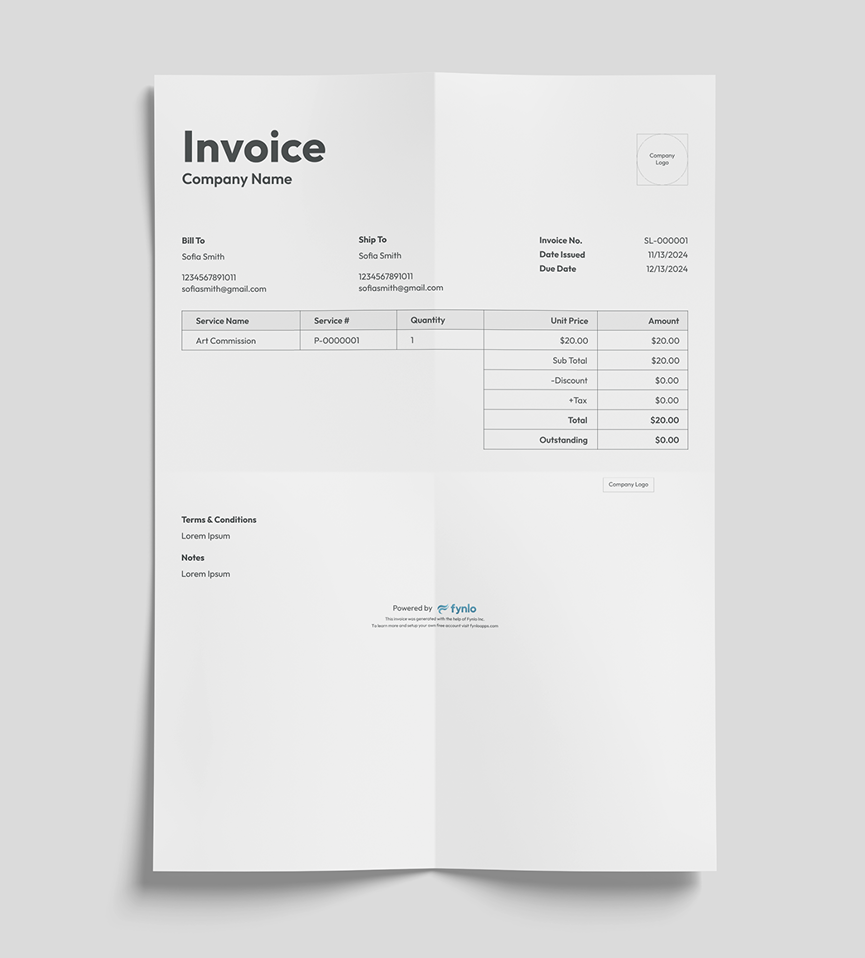
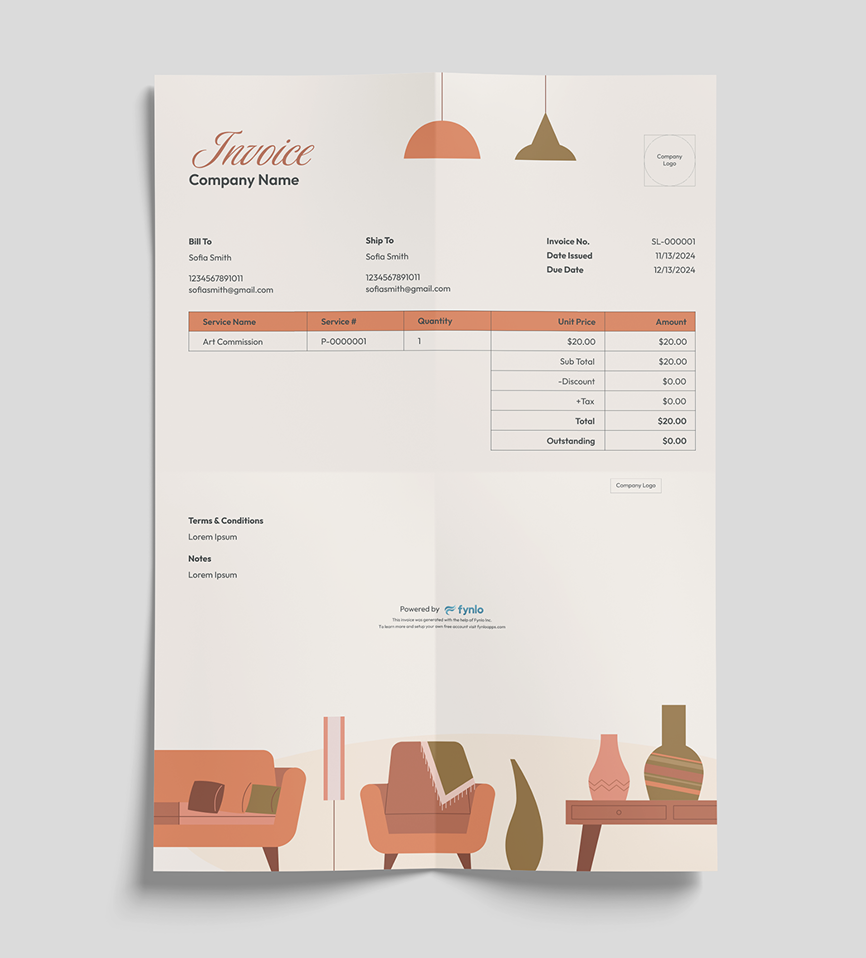
Invoice Designer
Create Invoices Tailored to Your Business
Customizable branding (logo, business details, and colors)
Automatically calculate totals, tax, and discounts
Save or email as PDF with one click
Add custom fields for industry-specific needs
Track payment status and outstanding balances
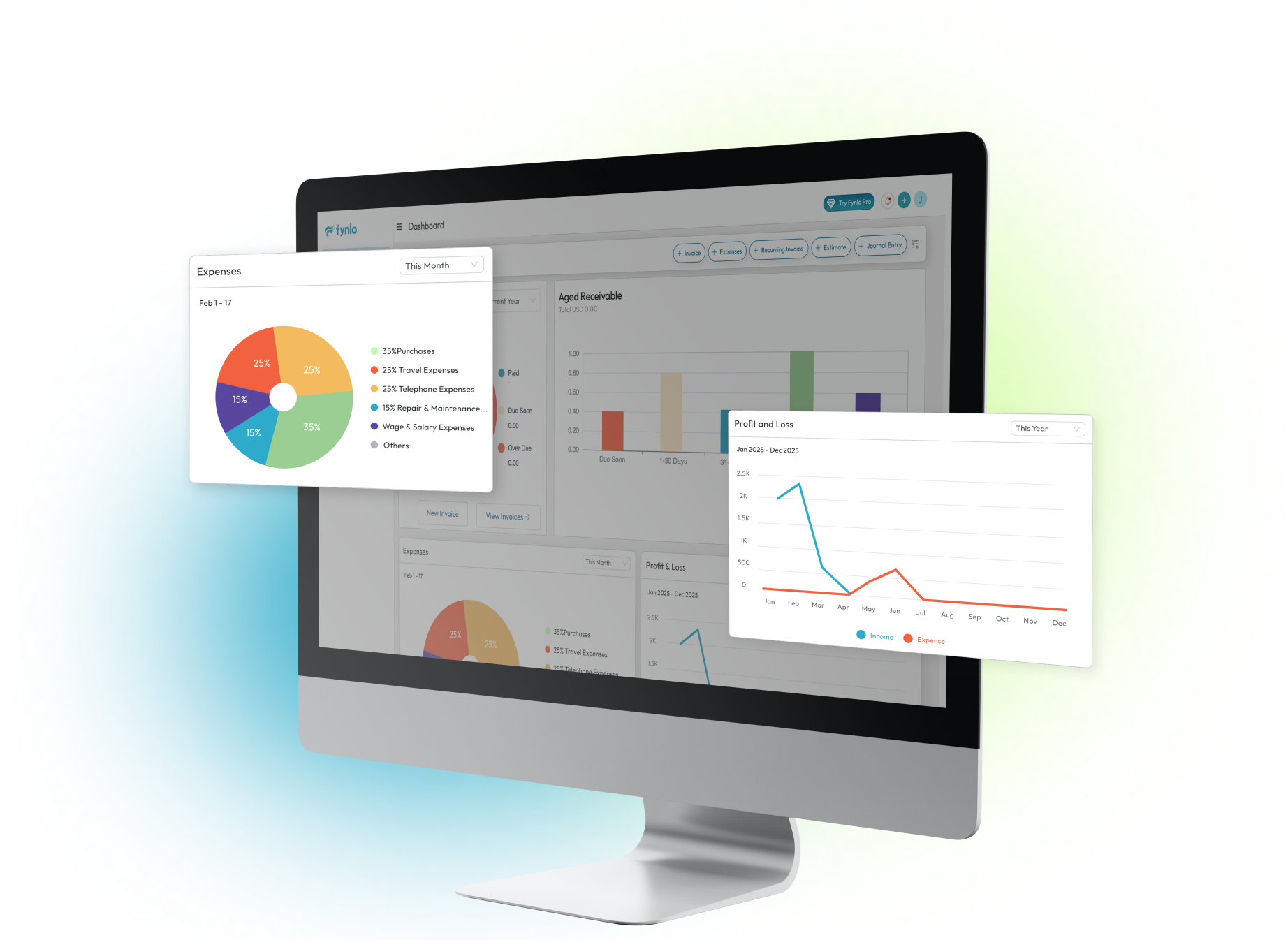
Reports
Reporting Features That Gives You Clarity
This shows your business's income, expenses, and profit (or loss) over a specific time period. It helps you see if your business is making money.
This is a snapshot of your business’s financial health at a specific point in time. It lists what you own (assets), what you owe (liabilities), and the remaining value (equity).
This is the master record of all your financial transactions. It contains detailed entries for every transaction, categorized into accounts like income, expenses, assets, and liabilities.
This is a summary of all your ledger accounts, showing their balances. It helps ensure your bookkeeping is accurate by verifying that total debits equal total credits.
This is a detailed report for a client or vendor that shows all transactions (invoices, payments, credits) within a specific period.
This compares your planned budget to actual results, highlighting differences (variances). It helps you understand where you're overspending or saving.
This report shows the money customers owe you, organized by how long the payment has been overdue. It helps you track unpaid invoices and follow up on late payments.
This report breaks down your sales by each customer or contact. It helps you see who your top buyers are and where most of your revenue comes from.
This is a list of all the invoices you’ve issued, showing details like invoice numbers, dates, amounts, and statuses (paid or unpaid).
This is a record of all the payments you’ve received, showing details like payment dates, amounts, and methods (e.g., cash, card, bank transfer).